

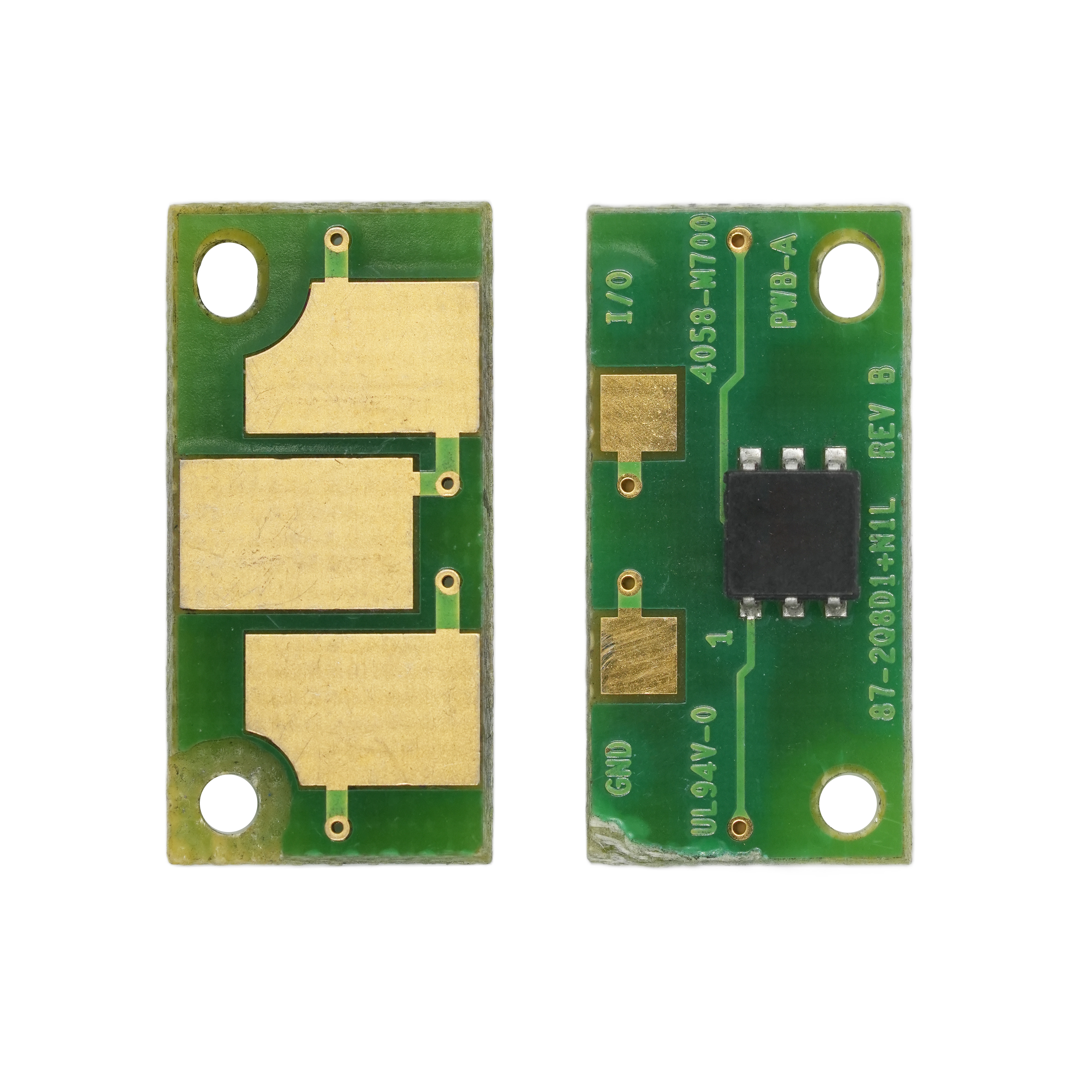
Detailed introduction
| Zhono code | OEM code | For Use in | Yield | Color | Version |
|---|---|---|---|---|---|
| NC-XE6400DUY-NAW | 108R00777 | Xerox WorkCentre 6400 | 30K | NA/W.EU/SA | |
| NC-XE6400DUM-NAW | 108R00776 | Xerox WorkCentre 6400 | 30K | NA/W.EU/SA | |
| NC-XE6400DUC-NAW | 108R00775 | Xerox WorkCentre 6400 | 30K | NA/W.EU/SA | |
| NC-XE6400DUK-NAW | 108R00774 | Xerox WorkCentre 6400 | 30K | NA/W.EU/SA | |
| NC-XE6400TY-NAW | 106R01319 | Xerox WorkCentre 6400 | 16.5K | NA/W.EU/SA | |
| NC-XE6400TM-NAW | 106R01318 | Xerox WorkCentre 6400 | 16.5K | NA/W.EU/SA | |
| NC-XE6400TC-NAW | 106R01317 | Xerox WorkCentre 6400 | 16.5K | NA/W.EU/SA | |
| NC-XE6400TK-NAW | 106R01316 | Xerox WorkCentre 6400 | 12K | NA/W.EU/SA | |
| NC-XE6400TY-MET | 106R01326 | Xerox WorkCentre 6400 | 16.5K | METERED | |
| NC-XE6400TM-MET | 106R01325 | Xerox WorkCentre 6400 | 16.5K | METERED | |
| NC-XE6400TC-MET | 106R01324 | Xerox WorkCentre 6400 | 16.5K | METERED | |
| NC-XE6400TK-MET | 106R01323 | Xerox WorkCentre 6400 | 12K | METERED |


